Sources
A source list that follows the network.
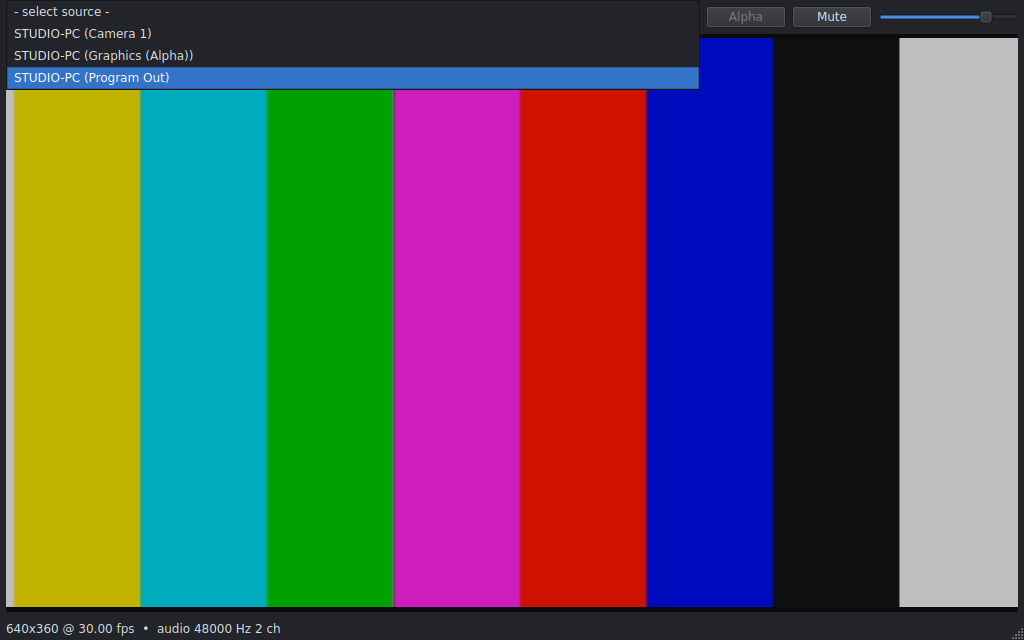
Sources appear and disappear by themselves. If a source restarts on a new address, NDI Monitor reconnects.
NDI Monitor · Free
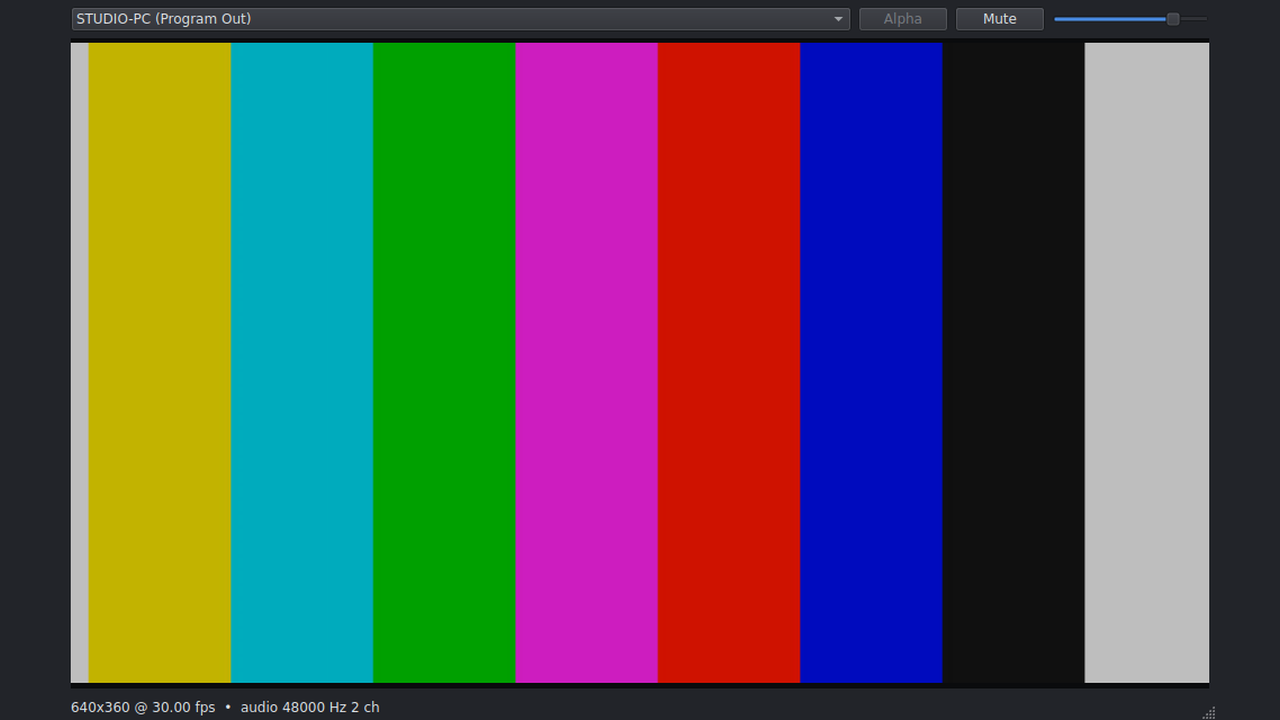
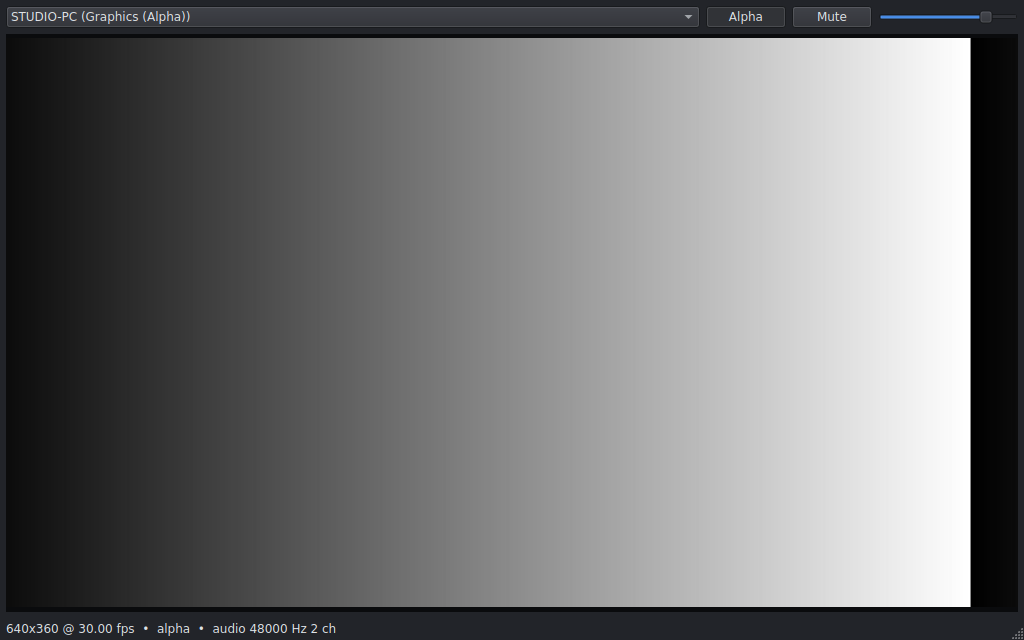
Pick a source from the list and see it at full resolution, with its audio, volume and mute. An Alpha button shows the key channel. The list follows the network as sources come and go. NDI included.
Mac · Linux · Free
Features
Sources
Sources appear and disappear by themselves. If a source restarts on a new address, NDI Monitor reconnects.
Picture and sound
Letterboxed video. Audio through your default output, with volume and mute. Resolution, frame rate and audio format in the status bar.
Alpha
When a source carries alpha, the Alpha button shows it as black and white, so you can check graphics before they go to air.
Price
NDI Monitor
No trial, no license key, no account and no payment. Download it and use it. A small thank-you to the NDI community from Lumengrid.
Install
Mac: Apple Silicon (arm64) zip — unpack and run; NDI included. Linux for Ubuntu 24.04 or newer (64-bit). One .tar.gz archive that runs from its folder: no installer, no root needed. NDI included — you do not need a separate NDI install.
Sources are found with mDNS. Keep the computer on the same network as your NDI sources and make sure the firewall allows mDNS and NDI.
Press Download for Mac or Download for Linux. The archive contains the program and the NDI 6 runtime.
Unzip (Mac) or unpack the archive (Linux) in your Downloads folder. This creates a folder called ndimonitor.
Open ndimonitor from the unzipped folder (double-click on Mac). Pick a source from the list at the top left. On Linux you can also start it from a terminal with ./ndimonitor/ndimonitor.
Apple Silicon (arm64) only. A zip that runs from its folder: no installer.
File: NDImonitor-1.0.1-mac-arm64.zip · version 1.0.1 · NDI included · free
SHA-256: ef0dad51340f715a00e46611f2ae60ae4cfe595571c0f8a249fc29589d92e6fb (.sha256)
Developer ID signed and notarized. Unzip and run ndimonitor from the folder. First launch may briefly check notarization with Apple — that is normal for a notarized zip.
ndimonitor with ndimonitor inside — a program file in the folder, not a .app bundle.ndimonitor from the folder.NDI runtime is bundled — nothing to install from ndi.video, and Homebrew is not required.
In Terminal:
cd ~/Downloads
unzip NDImonitor-1.0.1-mac-arm64.zip
./ndimonitor/ndimonitor
Mac is free — there is nothing to purchase for Mac.
64-bit (x86_64), desktop session (X11 or Wayland), PipeWire or PulseAudio for sound.
File: NDImonitor-v1.0.1-linux-x64.tar.gz · version 1.0.1 · NDI included · free
SHA-256: 28cf1fd8d7aa70584fd79d9c30dad3eab6e76de741a1dbf66b2b05dbf73da1ea (.sha256)
In Terminal:
cd ~/Downloads
sha256sum NDImonitor-v1.0.1-linux-x64.tar.gz
tar -xzf NDImonitor-v1.0.1-linux-x64.tar.gz
./ndimonitor/ndimonitor
The checksum printed by sha256sum should match the one above. You can move the ndimonitor folder anywhere; keep its contents together. To uninstall, delete the folder.
Install, source picker, video, audio, the Alpha view, status bar, self-test and troubleshooting.
Download PDF (101 KB)
ufw is on, allow mDNS (UDP 5353) and NDI (port 5960 and up). On Mac, allow NDI Monitor through the firewall if asked. Run ./ndimonitor/ndimonitor --list-sources 10 from the folder where you unpacked it to see what the computer finds — the folder layout is the same on Mac and Linux.ndimonitor program inside the folder, not the folder itself. On a minimal Linux install without a desktop, install the graphics libraries: sudo apt install libgl1 libegl1 libfontconfig1 libdbus-1-3 libpulse0. More in the manual.